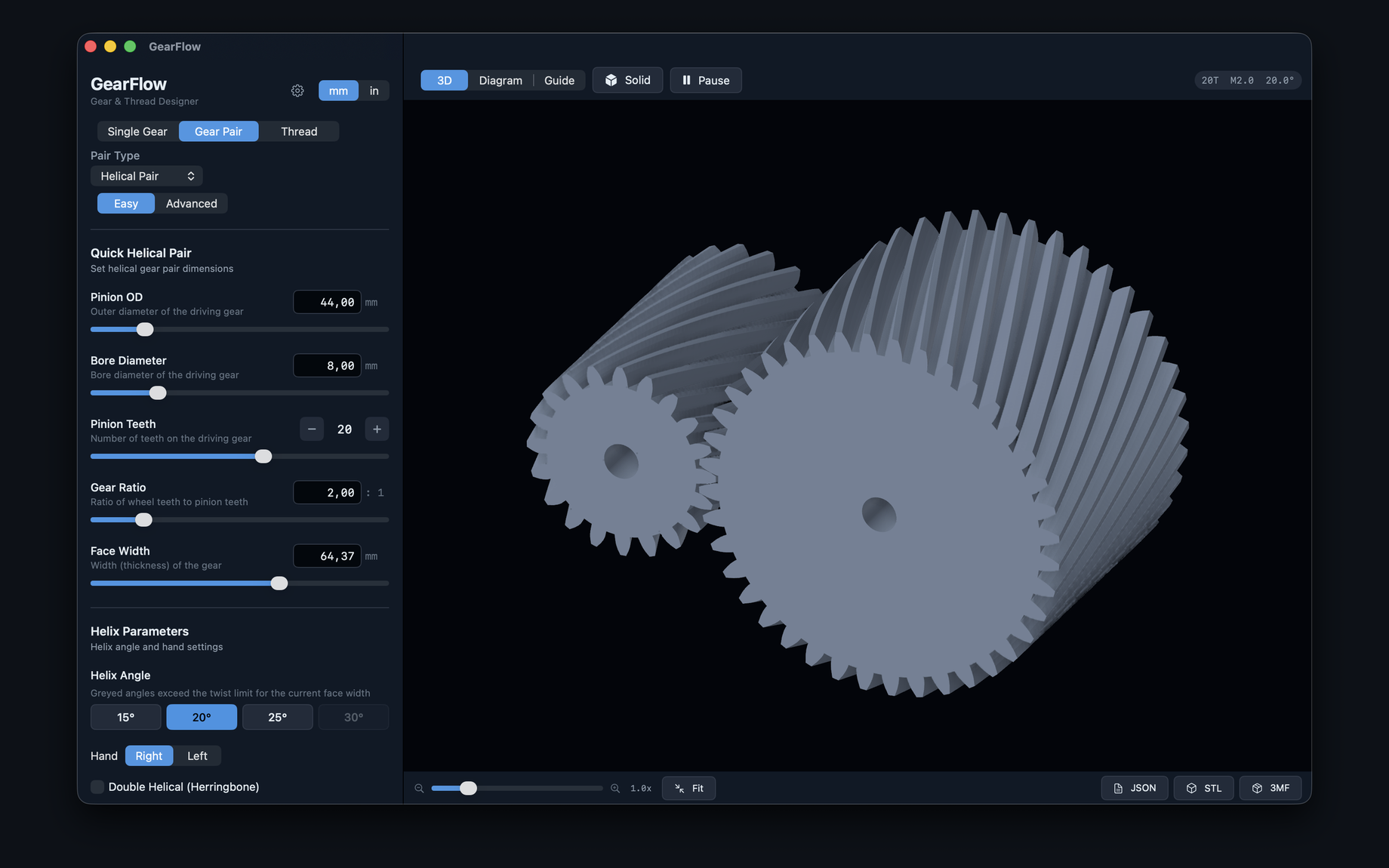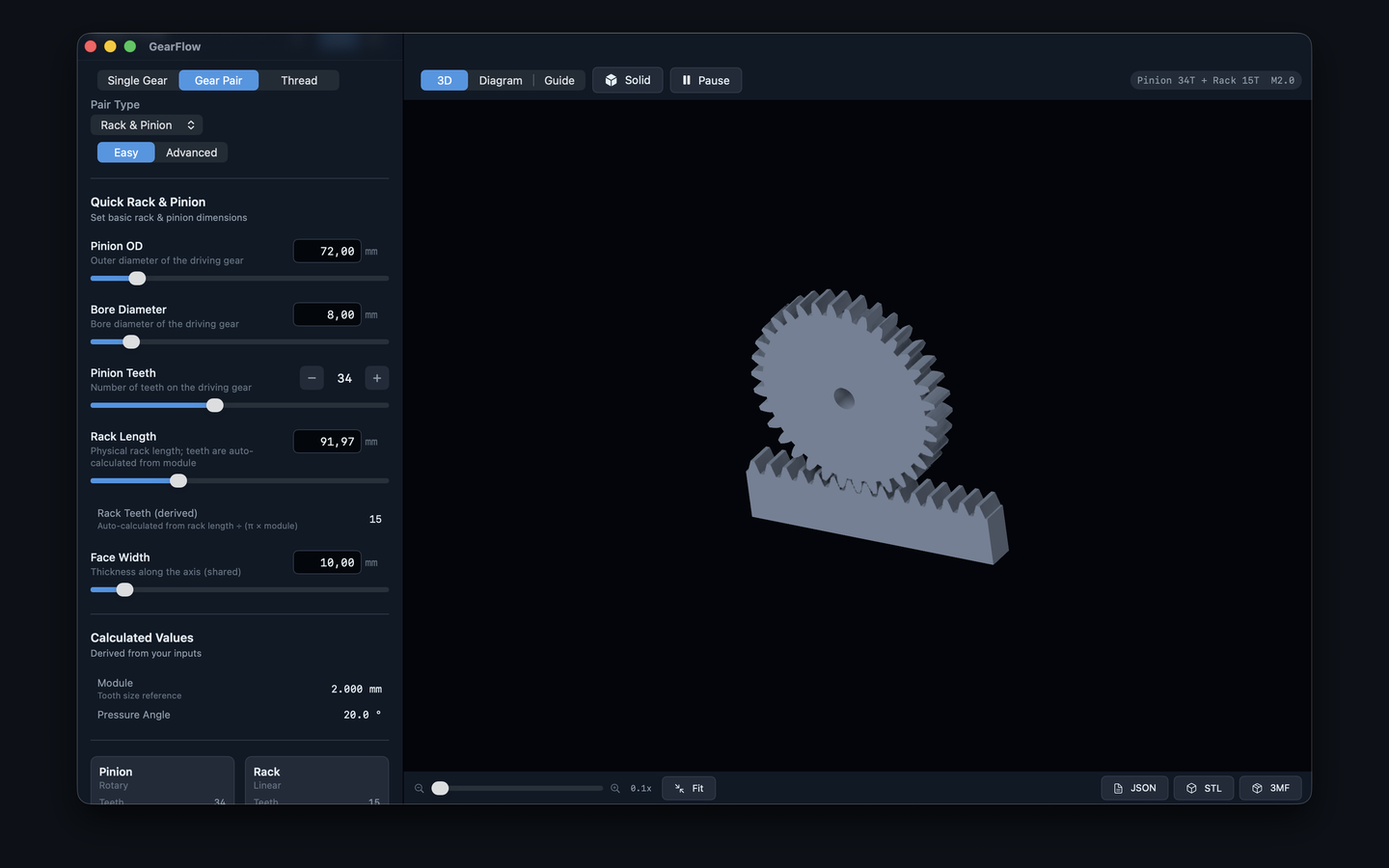
Involute gear designer for macOS, coming to iOS. Spur, helical, bevel, rack & pinion, and threads — real-time 3D preview and STL, 3MF, and JSON export.
Requires macOS 14.0+ — coming to iOS 17.0+
From quick 4-input Easy mode to full parametric Advanced mode — all gear types, all workflows.
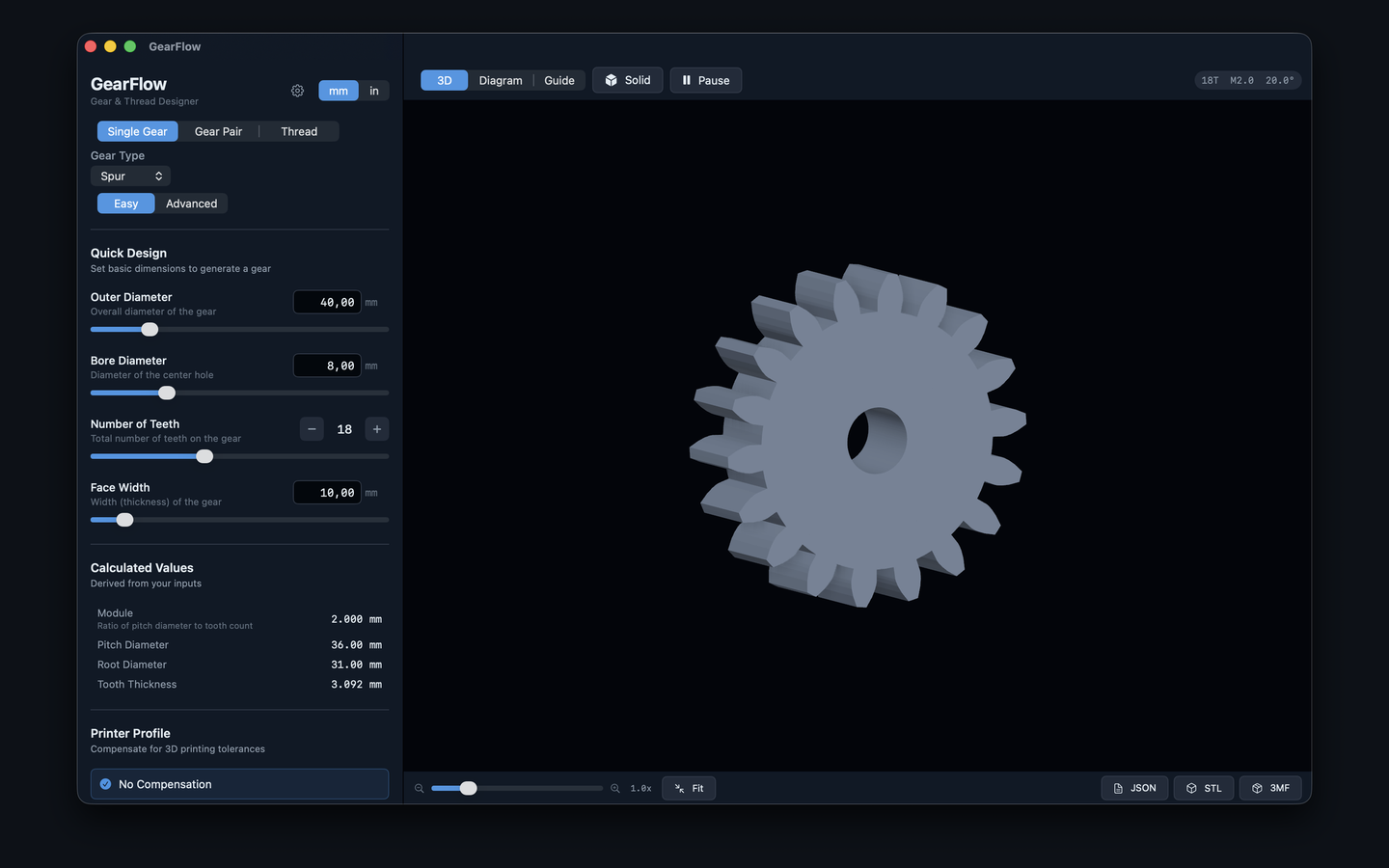
Spur, helical, herringbone, internal ring gears, rack, and straight bevel gears. Easy and Advanced mode for each.
Design meshing gear sets together — spur pairs, rack & pinion, and bevel pairs with configurable shaft angle. Shared module guaranteed.
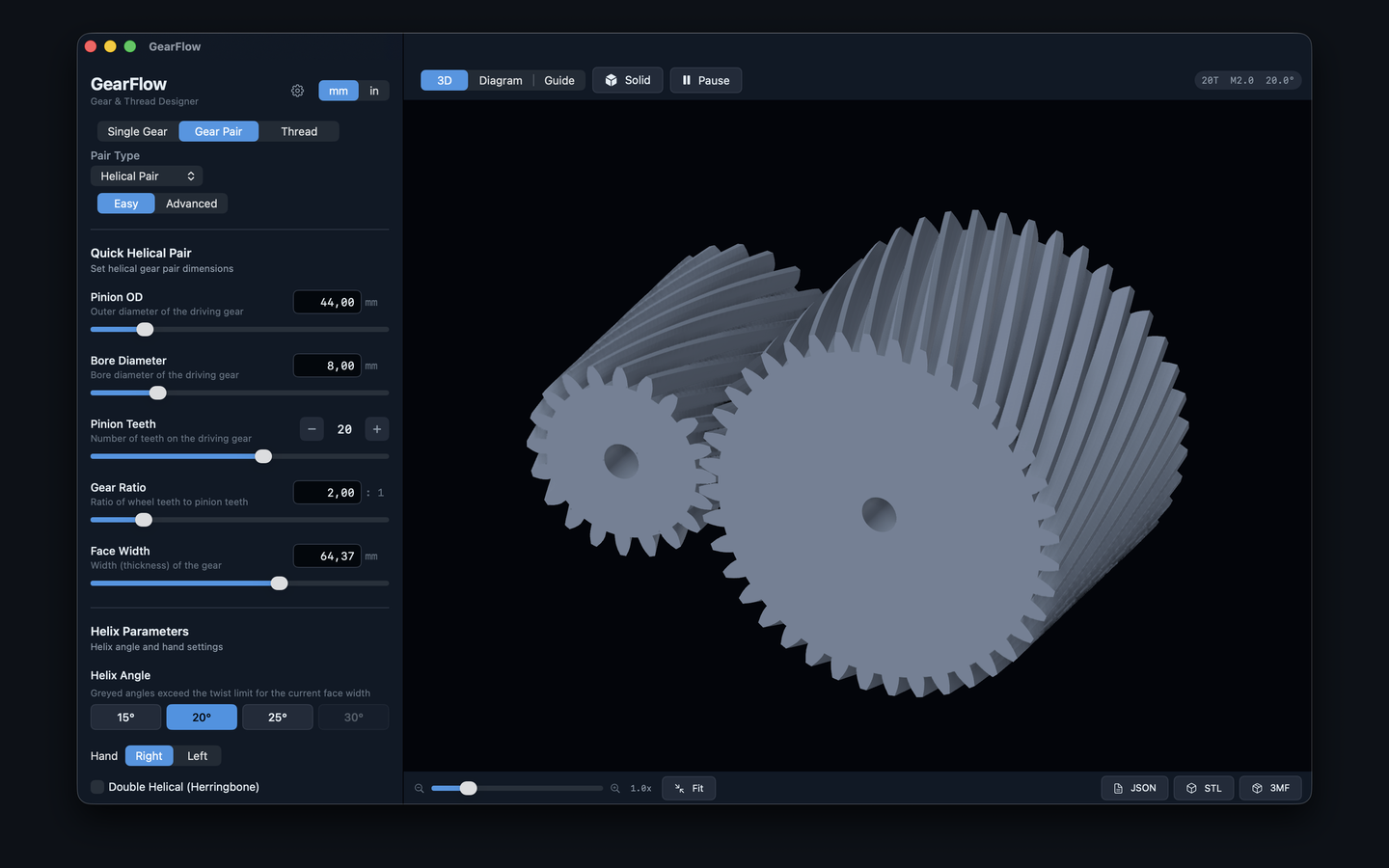
Smooth 3D view with wireframe/solid toggle, animated rotation, orbit camera, and scroll-wheel zoom. Gear pairs animate in sync with correct counter-rotation.
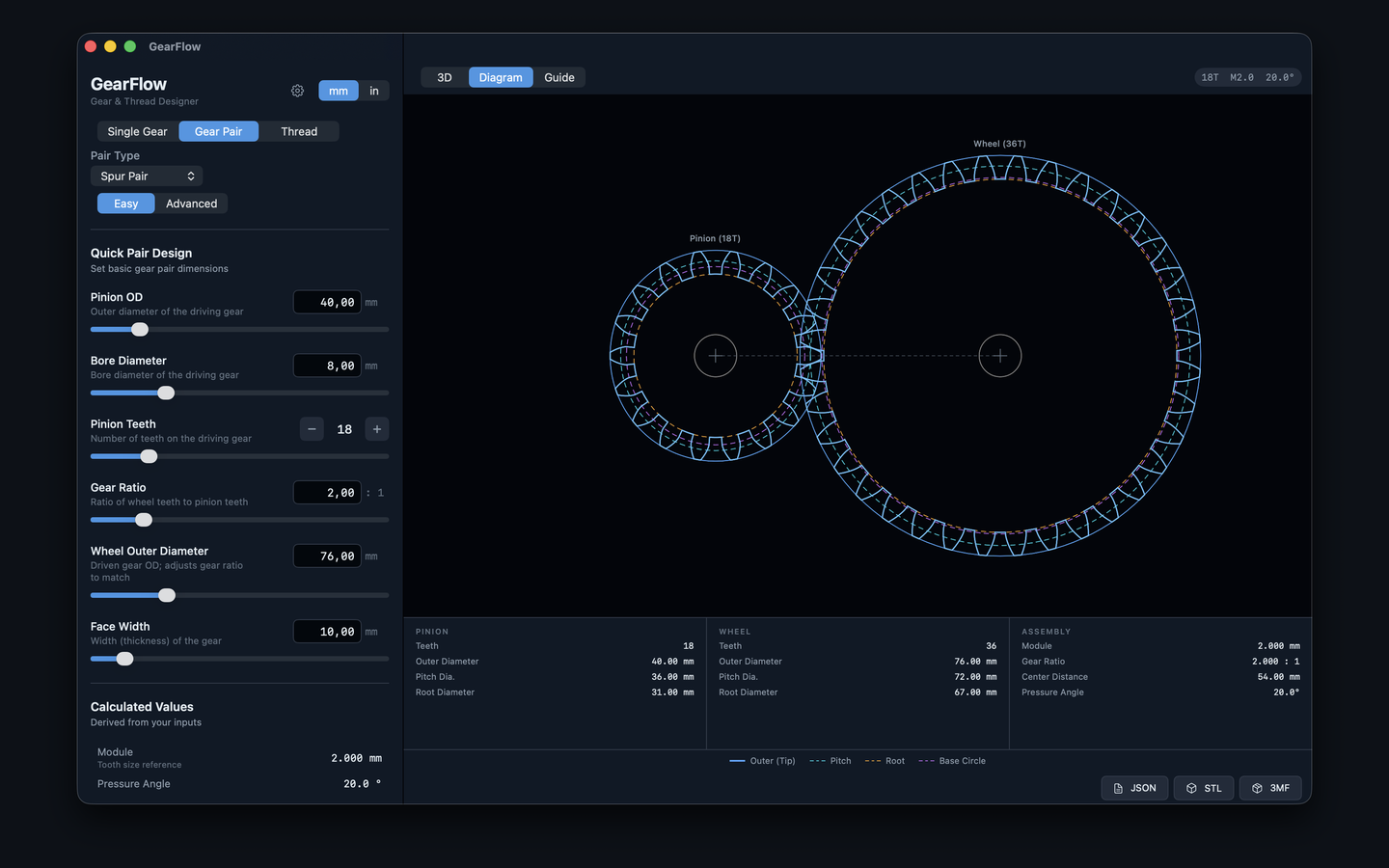
2D blueprint-style cross-sections with all key circles, involute tooth overlay, dimension annotations, and meshing alignment for pairs.
Built-in FDM (PLA, PETG, ABS) and SLA resin profiles with shrinkage factors and tolerance offsets. Create custom profiles for your printer.
Switch units at any time. All calculations run in metric internally; display converts live. Sensible defaults for each unit system.
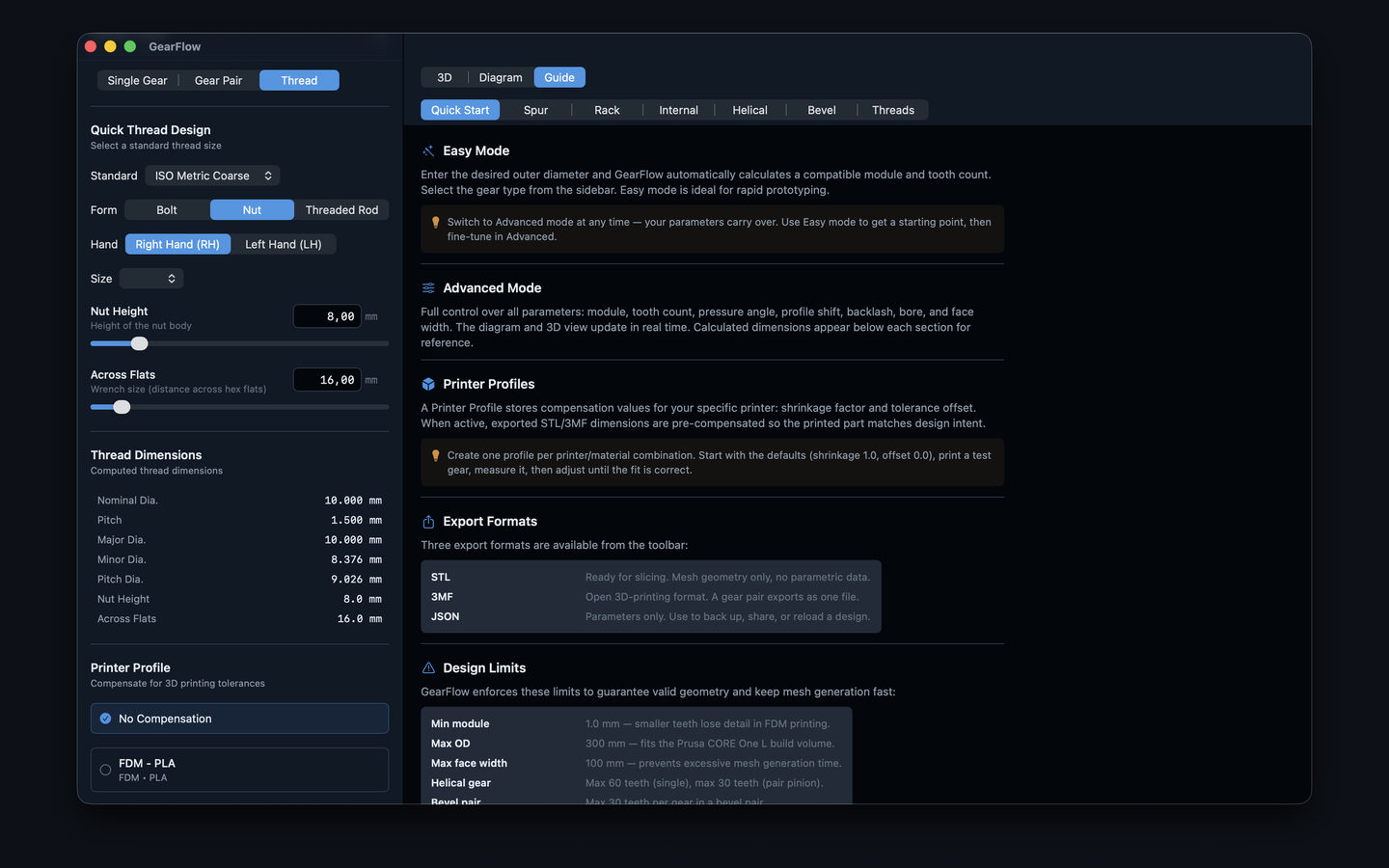
Educational reference covering spur, rack, internal, helical, bevel gear geometry, threads, and 3D printing tips — right inside the app.
Fully localized in English, German, French, Spanish, Japanese, Chinese (Simplified), and Russian. Switch language instantly without restarting the app.
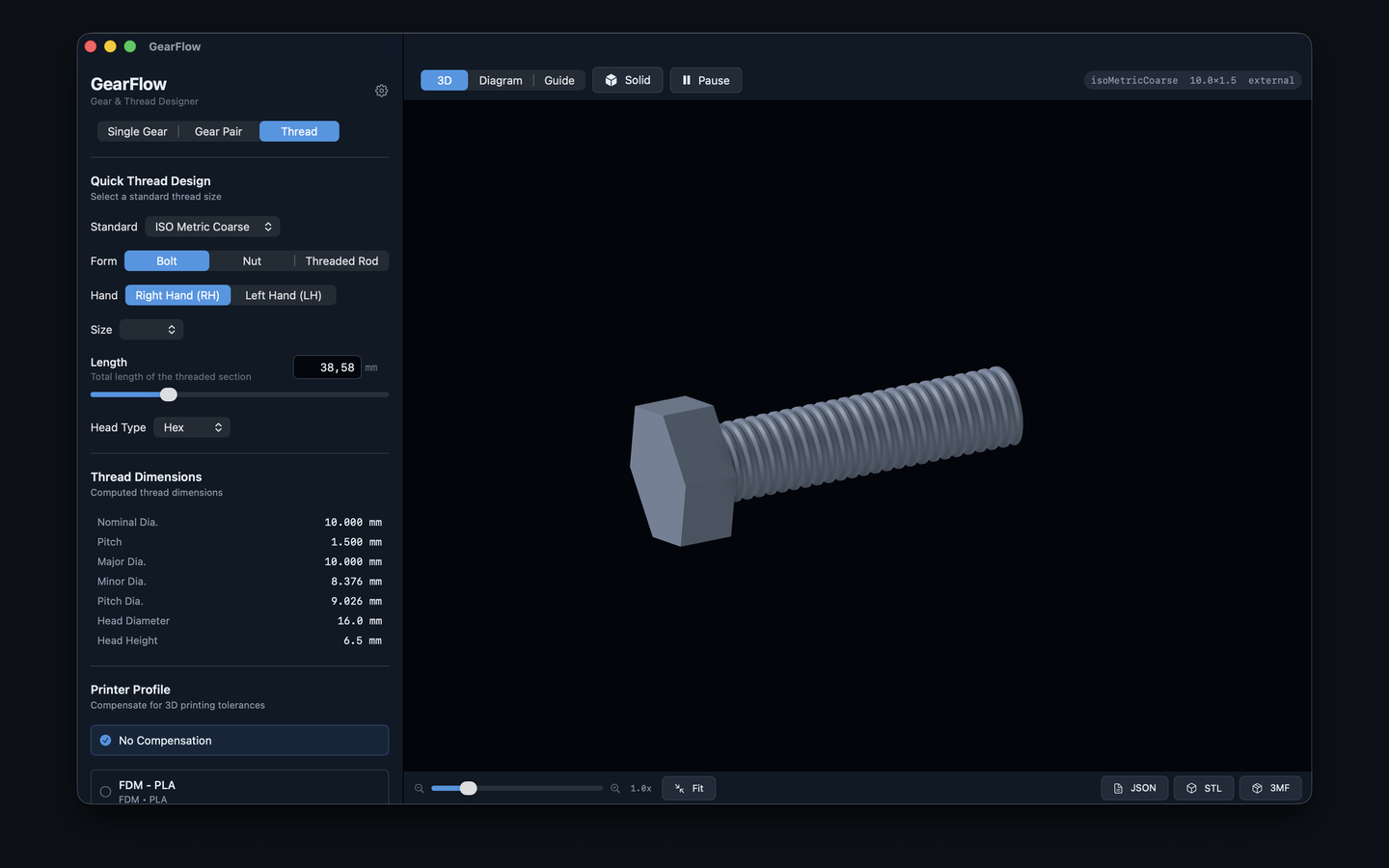
Design ISO metric and UNC/UNF threaded bolts, nuts, and rods. Configure pitch, length, head type, and print clearance. Export as STL for 3D printing.
Save and load gear designs from a built-in library. Export to .gearflow files for sharing or backup — all parameters preserved.
Real-time 3D, technical diagrams, threaded fasteners, and a built-in guide — every view runs natively on your Mac.
All based on the ISO/DIN 867 involute tooth profile standard with configurable pressure angles.
Classic involute, easy to print
Twisted teeth, quieter operation
Double helical, no axial thrust
Inward-facing teeth, compact drives
Rotary to linear motion conversion
Intersecting shafts, any angle
Pick a gear type. Enter outer diameter, bore, teeth, and face width in Easy mode — or dive into full parametric control in Advanced mode.
Watch the 3D model update in real time. The app flags printability issues — module too small, bore interference, face width violations — before you export.
Export STL or 3MF for your slicer, or JSON parameters for CAD reference. Select a printer profile to apply shrinkage and tolerance compensation automatically.
Every export format supports all gear types and threads — single gears, gear pairs, rack & pinion, bevel pairs, and threaded fasteners.
Binary triangle mesh ready for any slicer. Single gears export one file; gear pairs export separate pinion.stl and wheel.stl. Includes solid rack body.
The modern open 3D-manufacturing format — carries millimetre units and metadata. A gear pair exports as a single file with both bodies positioned at their center distance. Opens in modern slicers and CAD apps.
All calculated dimensions in structured JSON — module, pitch diameter, root, addendum, dedendum, tooth thickness, and 3D print compensated values for manual CAD entry.
GearFlow is coming to the Mac App Store and iOS App Store. Check back soon.